



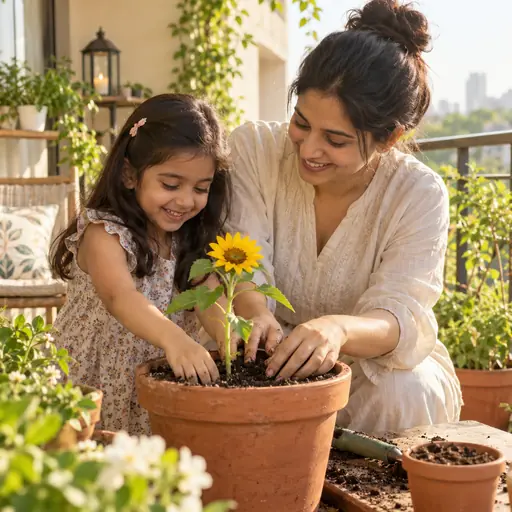
Personalized reading support for families
Stories children can read with a little help, one word at a time.
Children tap a word, hear it, and keep reading in English. Parents create a private library of stories about the people and places their child knows.

Made for reading in English.
Connect with family in their language too:
Reading help
Help at the exact moment a child needs it.
Tap any word to hear it on its own, or press play to hear the whole page. Then read it again in another language.
Reading languages
One book, in your family's languages.
Choose English and up to two of French, Spanish, Italian, German or Dutch. Your child reads the same story in each.
- Every book, six languagesAll 100+ Library books come in each language, read aloud with every word ready to tap.
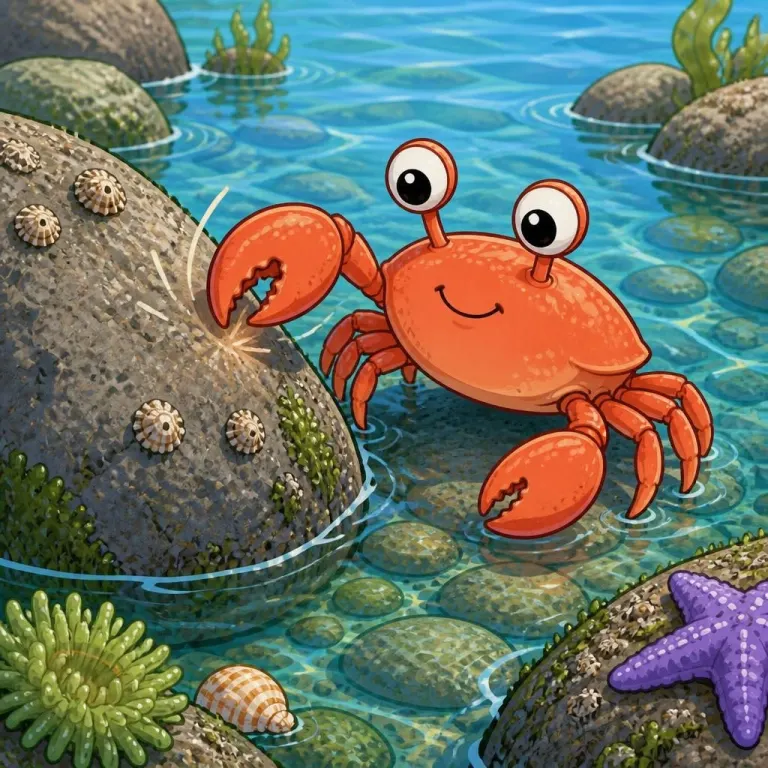
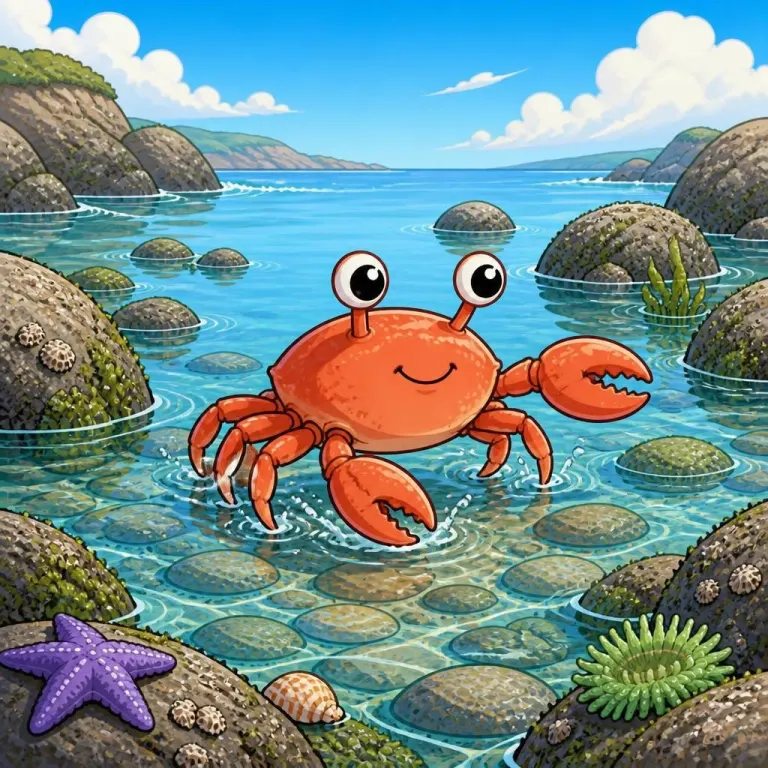
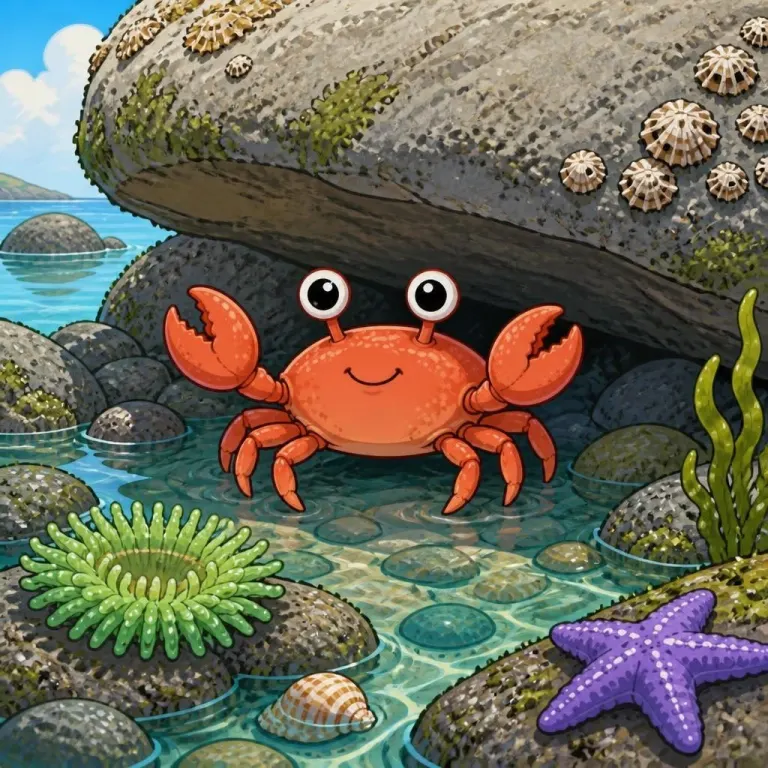
- Switch while you readChange language on any page. The pictures stay the same.
- Your stories, tooAnga PlusAdd another language to a family story. Anga AI suggests the words, and you check them before saving.
Reading languages are on iPhone and iPad, and coming to Android in the next update. Phonics and sight words stay in English.
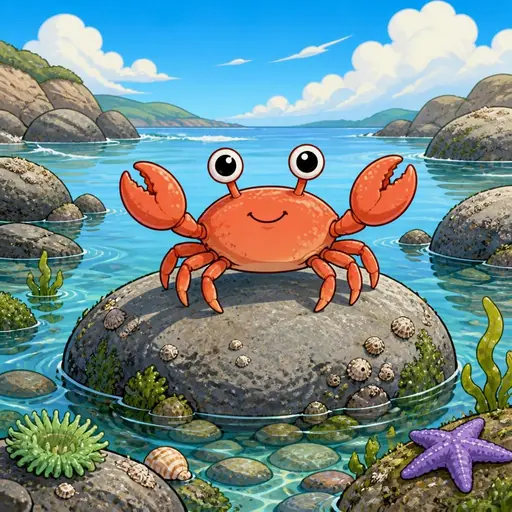
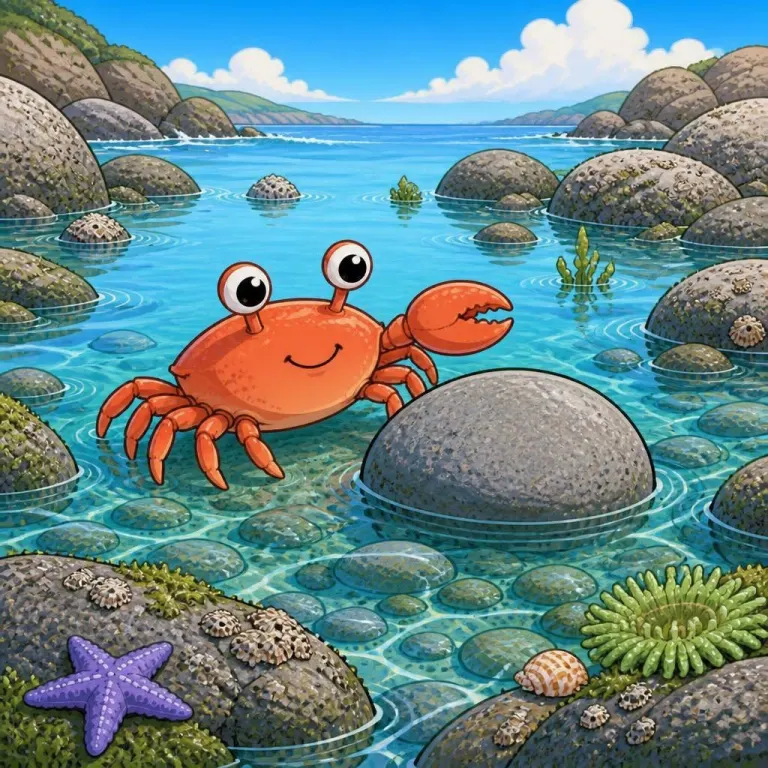
- Nori the Crab
- Nori, le crabe
- Nori, el cangrejo
- Nori il granchio
- Nori, die Krabbe
- Nori de krab
Family stories
A story library made around your child.
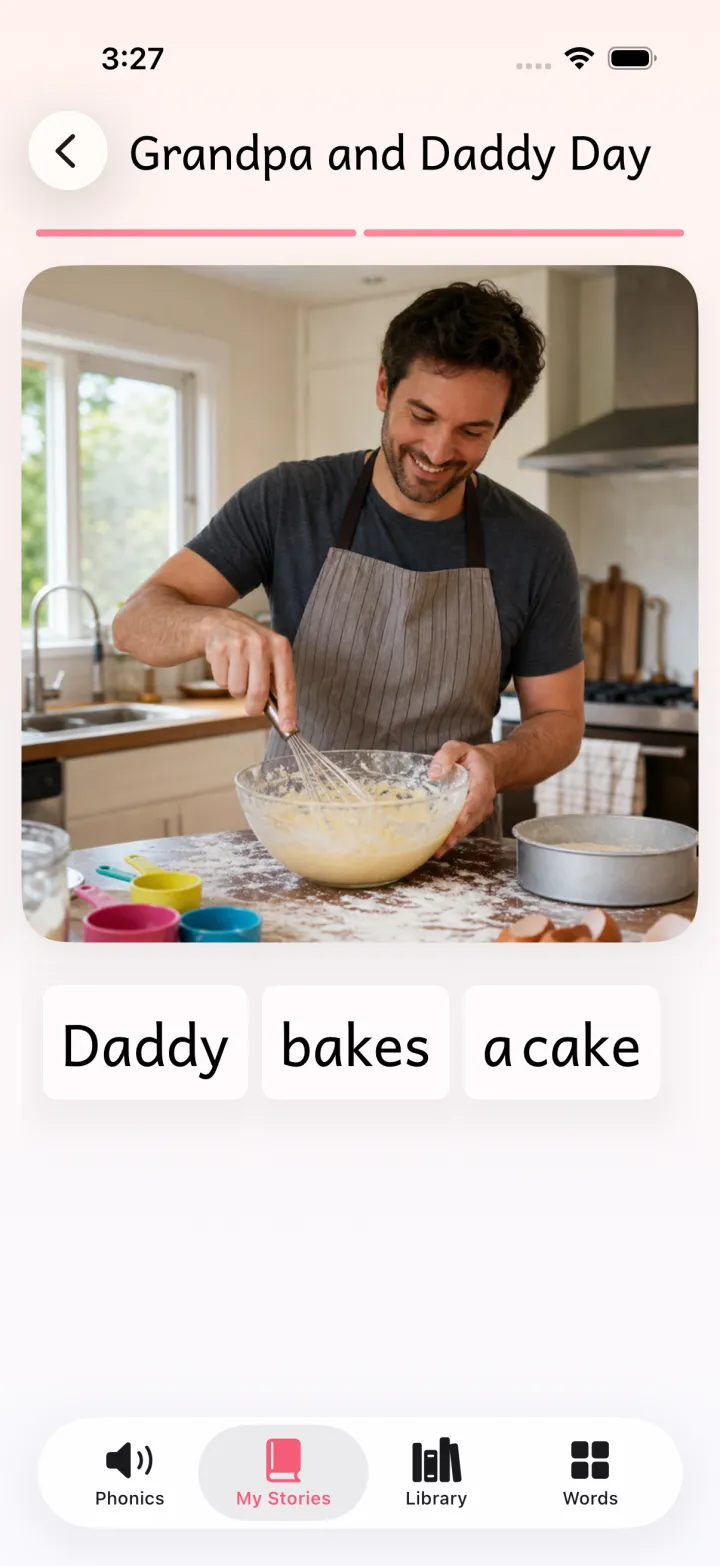
Turn family photos into stories your child wants to read.
- 1Pick family photosA birthday, a day out, Grandpa's garden.
- 2Write in any languageAnga PlusAnga AI suggests each page at your child's level, in the story's language. Add another language when you like.
- 3Read it togetherAnga adds the voice, and every word can be tapped.
Anga Group Space
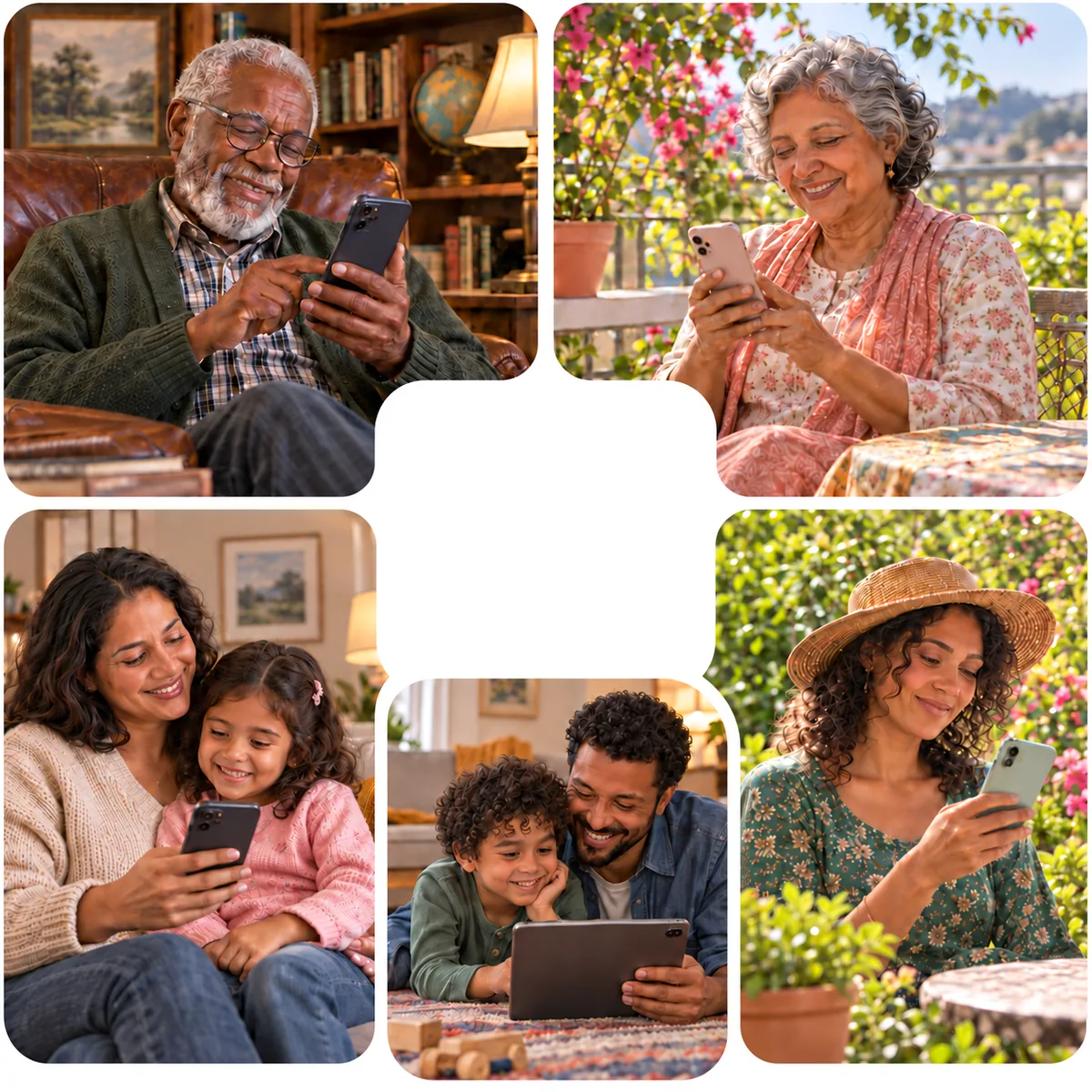
Stay close, wherever your family lives.
Grandparents, cousins and friends far away write stories for the same child, each in their own language. Up to 10 people share one Group Space.
Anga Plus includes one Group Space. Joining an invited Group Space is free.
Reading journey
From first sounds to whole stories.
Practice that grows with your reader.
Step 1
Every sound, said right
Phonics from Letters and Sounds phases 2–6, spoken clearly.
Step 2
Sight words
Five levels of the words children meet most.
Step 3
100+ levelled stories
Levels 1 to 10, with every book in six languages.
Start a reading library your child can grow with.
On iPhone, iPad and Android.
Scan with your phone camera to get Anga.